Home Office Design Guide: Desks, Ergonomics and Light
A good home office is mostly a matter of a few dimensions and the direction of the light. Get those right and even a corner of the bedroom can be a comfortable place to work for a full day.
Working from home has turned spare rooms, landings, bedroom corners and kitchen tables into offices, often with little planning. A space thrown together can work for a week, but over months the problems pile up: a sore neck from a laptop on a dining table, glare on the screen every afternoon, a chair that is too low, cables trailing across the floor. Most of these are cheap to fix once you know the target dimensions and a few layout principles.
This guide covers the essentials of a functional home office: desk size and height, seating and screen set-up, where to put the desk relative to light, acoustics, storage, cables and options for small spaces. It focuses on comfort and practicality; if you have pain or a health condition, a qualified professional can assess your individual set-up.
Step 1: Define how you work
Start with a short list. How many hours a day will you work here? Laptop only, or one or two monitors? Do you take video calls, write by hand, use a printer, store files, need a second chair? The answers determine the size of desk, how much storage you need and whether the space must be shared or packed away at the end of the day.
Step 2: Choose the right desk size
| Use | Width | Depth | Notes |
|---|---|---|---|
| Occasional laptop work | 80–100 cm (31–39 in) | 50–60 cm (20–24 in) | Use a laptop stand and separate keyboard for longer sessions |
| Daily laptop plus paperwork | 100–120 cm (39–47 in) | 60 cm (24 in) | The practical minimum for full-time work |
| One large monitor | 120–160 cm (47–63 in) | 70–80 cm (28–31 in) | Depth allows comfortable viewing distance |
| Two monitors or a creative set-up | 160–180 cm (63–71 in) | 80 cm (31 in) | Or an L-shaped desk for drawing or reference materials |
Behind the desk, allow at least 90–100 cm (35–39 in) from the desk edge to a wall or furniture so you can push the chair back and stand up comfortably. If the route behind you is also a walkway, allow more.
Step 3: Get desk and chair heights right
Fixed desks are typically 72–76 cm (28–30 in) high. That suits many people, but not everyone. The goal when typing is:
- Shoulders relaxed, upper arms hanging naturally by your sides.
- Forearms roughly horizontal, with the keyboard at or slightly below elbow height.
- Wrists straight rather than bent up or down.
- Feet flat on the floor or on a footrest, with thighs roughly horizontal and a small gap between the seat edge and the back of the knees.
Set the chair first so your arms are at the right height relative to the desk, then use a footrest if your feet no longer reach the floor. An adjustable office chair, with seat height, lumbar support and ideally seat depth adjustment, makes this much easier than a dining chair. Most adjustable chairs cover a seat height of roughly 40–52 cm (16–20 in).
Sit-stand desks
Electric or manual sit-stand desks allow you to change position through the day. When standing, the same principle applies: the desk top at about elbow height with relaxed shoulders, which for most adults falls somewhere between 95 and 120 cm (37–47 in). Changing posture regularly is commonly recommended; standing still all day is not an improvement on sitting still all day. An anti-fatigue mat can make standing more comfortable on hard floors.
Step 4: Position the screen
- Distance: about an arm's length, roughly 50–75 cm (20–30 in). Larger screens usually sit further back.
- Height: the top of the screen at or slightly below eye level, so you look slightly down at the middle of it. People who wear varifocal or bifocal glasses often prefer the screen lower.
- Angle: tilted back slightly, about 10–20°, and directly in front of you, not off to one side.
- Two screens: if you use both equally, place them in a shallow V centred on you; if one is primary, centre that one and set the second to the side.
- Laptops: for daily use, raise the laptop on a stand to bring the screen up, and use a separate keyboard and mouse.
Step 5: Use light to your advantage
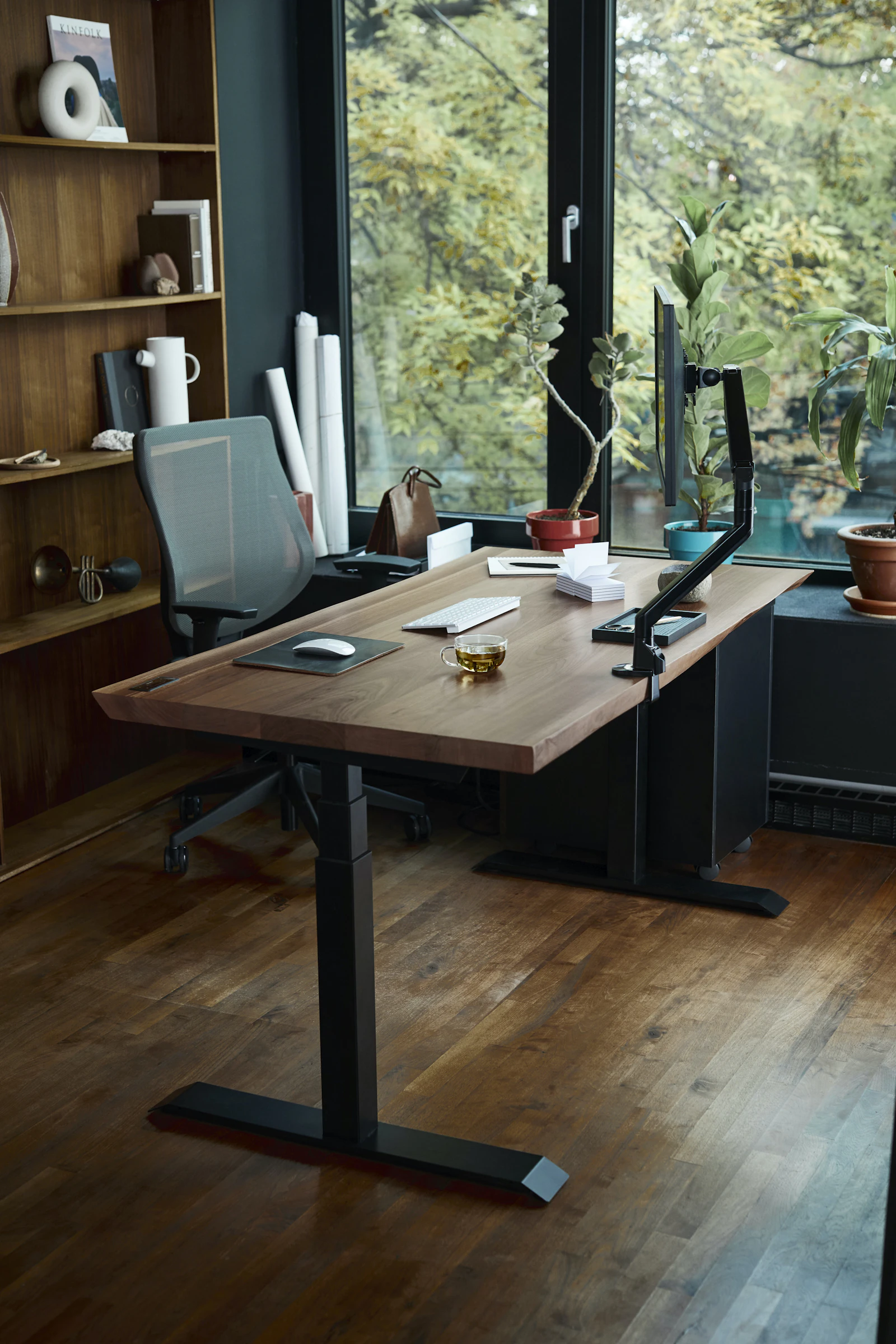
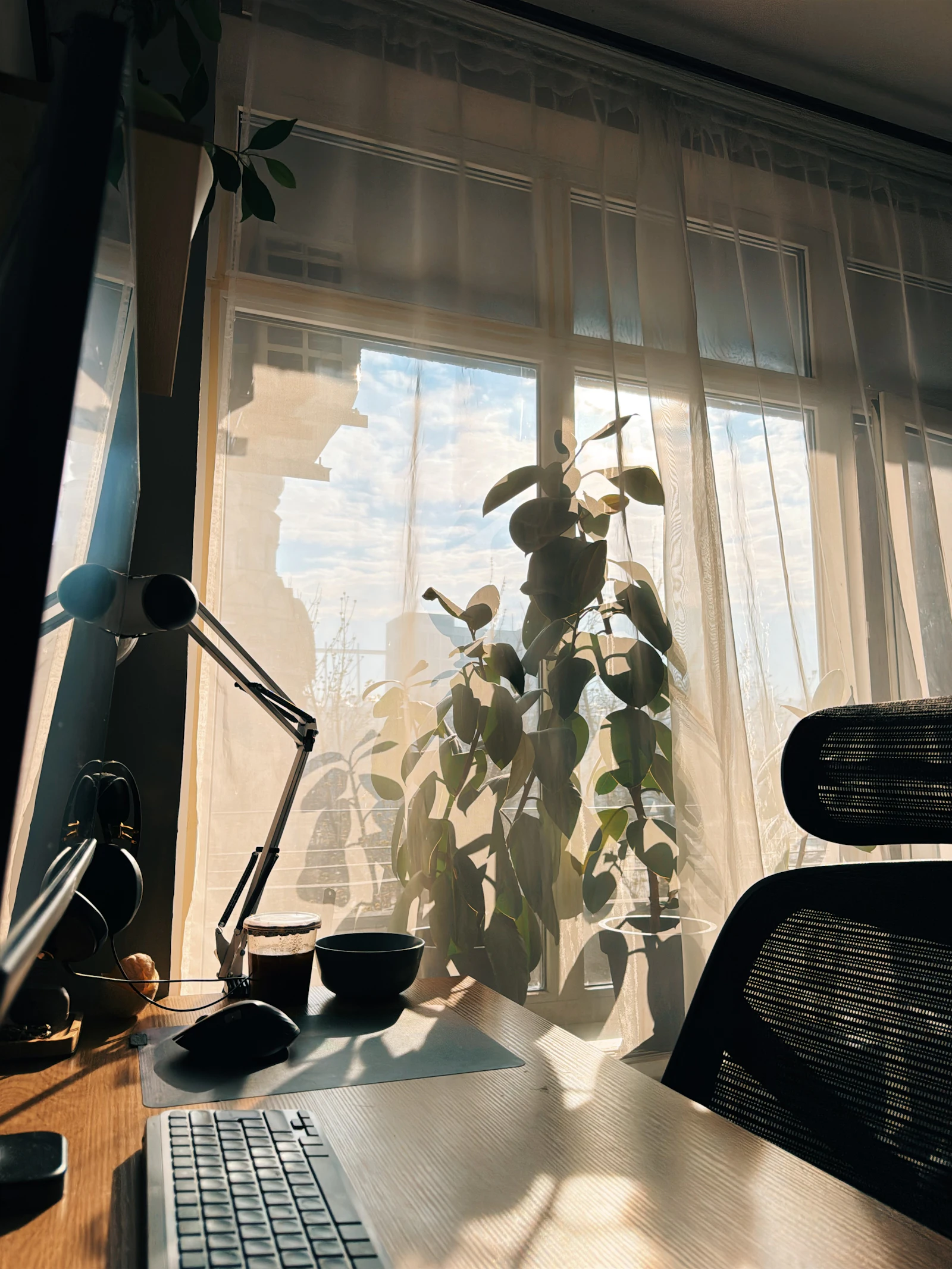
Daylight is pleasant to work in, but it needs managing. The best general position for a desk is at right angles to the window, so daylight falls from the side.
- Facing the window: bright light behind the screen causes glare and eye strain, and on video calls your face is backlit.
- Back to the window: reflections appear on the screen and you cast a shadow on your desk.
- Side-on: soft light across the desk with minimal reflections. If you write by hand, having the window on the side opposite your writing hand avoids your hand shadowing the page.
Sheer curtains, blinds or adjustable louvres help control direct sun. In the evening, aim for balanced ambient light in the room and a desk lamp providing around 500 lux on the work surface, positioned so it does not shine onto the screen. Neutral to soft white light, about 3000–4000 K, works well for focused tasks, with bulbs of CRI 90 or above if colour matters to your work. Avoid working in a dark room lit only by the screen. Our layered lighting guide explains how to plan ambient, task and accent light together.
Video calls
For calls, light should come from in front of you, slightly above eye level. A window to the side and a soft lamp or ring light in front gives an even result. Place the camera at eye level, which usually means raising a laptop, and check what is visible behind you. A plain wall, a tidy shelf or a plant is better than an open wardrobe or a bed.
Step 6: Improve acoustics
Hard surfaces such as bare floors, large windows and empty walls reflect sound, which makes calls echoey and the room tiring to work in. Soft, absorbent surfaces reduce echo:
- A rug under and around the desk.
- Lined curtains rather than bare blinds.
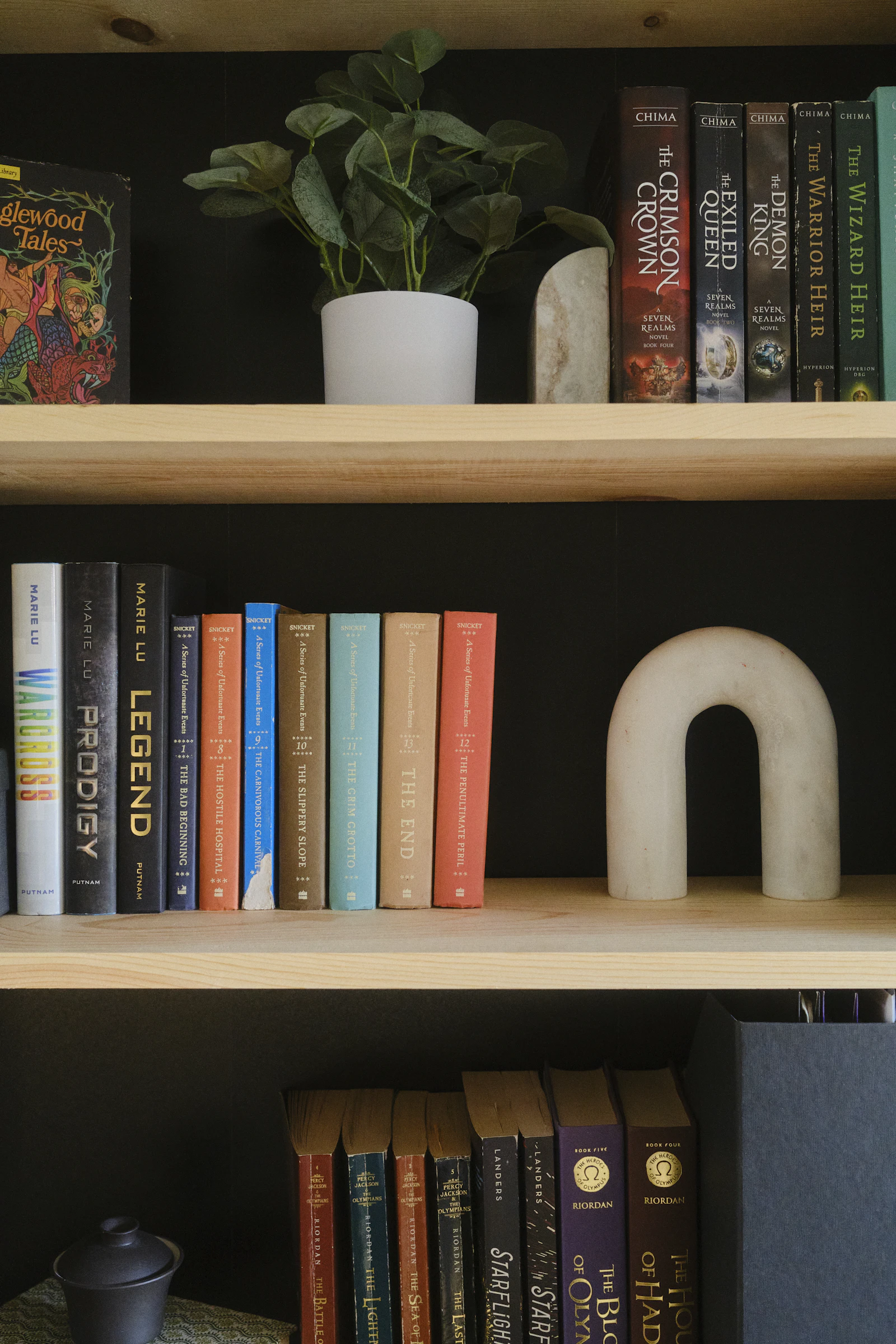
- A bookshelf filled with books, which breaks up and absorbs sound; see how to style a bookshelf for keeping it tidy on camera.
- Upholstered furniture or fabric acoustic panels on the wall behind or beside you.
To reduce noise from the rest of the house, a door with a draught seal helps more than most decorative measures. Headphones with a good microphone often make a bigger difference to call quality than any room treatment.
Step 7: Organise storage and cables
Keep frequently used items within easy reach and everything else out of sight. A drawer unit under the desk, a shelf above it and a closed cupboard for paperwork usually cover most needs. If the office shares a room, closed storage lets you put work away at the end of the day, which helps the room feel like a different space in the evening.
Cables are the main source of visual clutter at a desk:
- A cable tray or basket fixed under the back of the desk holds power strips and adaptors off the floor.
- Desk grommets or a cable spine route wires neatly to the floor.
- Velcro ties group cables together and are easy to adjust.
- A surge-protected extension lead suits computer equipment. Avoid plugging extension leads into other extension leads, and do not overload sockets. If you need more sockets, have a qualified electrician add them.
Small-space home offices
A full room is not essential. Common solutions for compact homes include:
- Alcove desks: a fitted top in a chimney alcove, with shelves above. Even a 90 cm (35 in) wide alcove can work for laptop use.
- Wall-mounted fold-down desks: close away when not in use; check the fold-down depth is enough for your screen distance.
- Cupboard offices: a desk inside a wardrobe or cupboard with doors that close it off. Ensure there is enough ventilation for equipment and enough light.
- Console desks: shallow desks of 40–50 cm (16–20 in) depth suit laptops but are too shallow for most large monitors unless the monitor is mounted on an arm or wall bracket.
- Shared surfaces: if you work at a dining table, store a laptop stand, keyboard and lamp in a box that can be put away each evening.
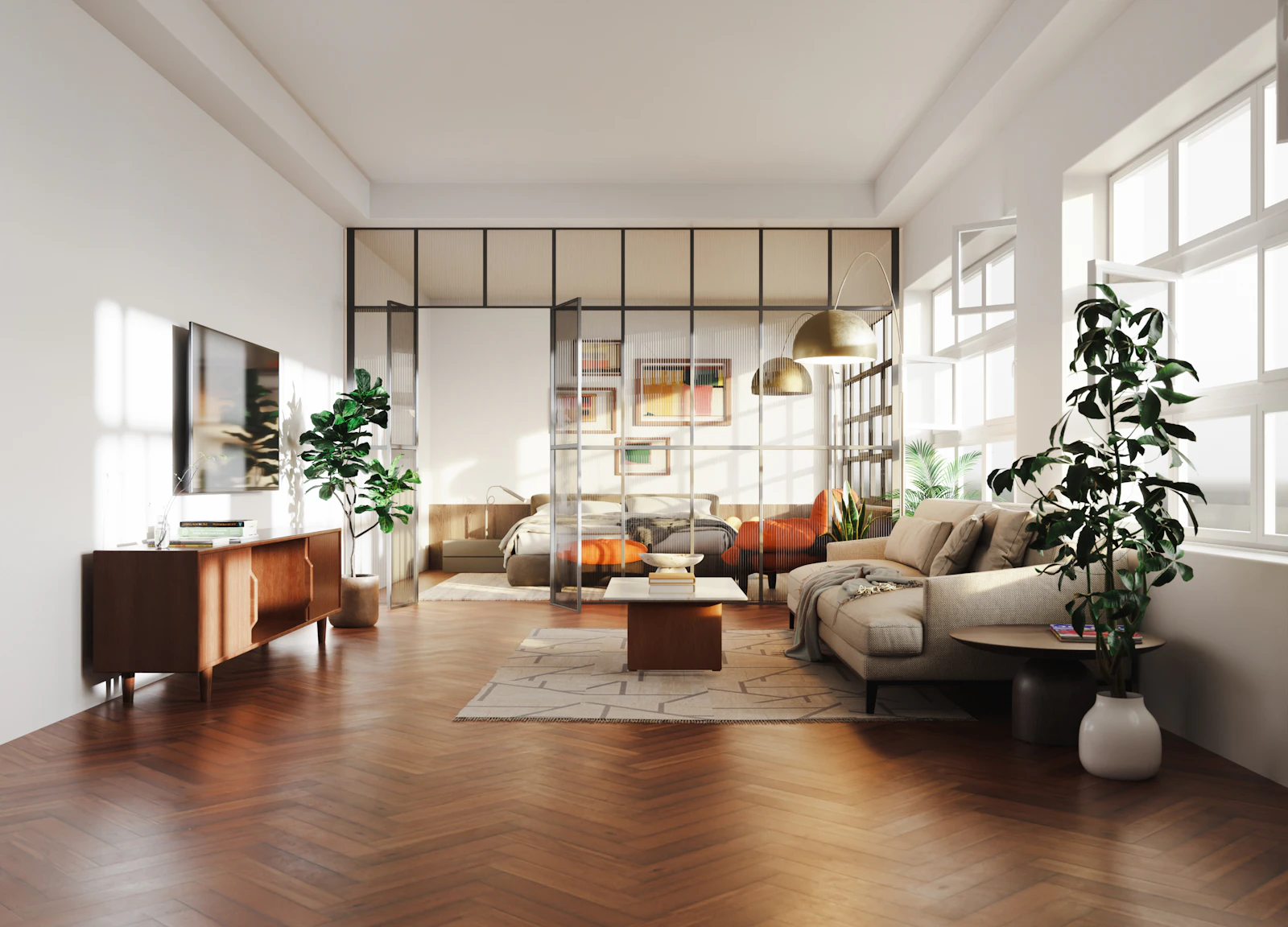
For combining work, living and sleeping areas in one room, see studio apartment layout ideas.
Surfaces, colour and comfort
Glossy desk tops and white high-gloss surfaces reflect light into your eyes and onto the screen. A matt or satin desk surface in a mid tone, such as oiled oak or a soft grey laminate, is more comfortable for long sessions. Walls in a soft, mid-light colour behind the screen reduce the contrast between a bright monitor and its surroundings compared with a very dark or very bright white wall.
Temperature and air matter too. Small rooms with computers and closed doors can become warm and stuffy, so check that the room can be ventilated, for example with a window that opens or a door that can be left ajar. Keep the desk out of direct draughts from windows in winter and away from radiators that may make the space uncomfortably warm.
Sharing a room with a workspace
When the office is part of a bedroom, living room or guest room, a few measures help separate work from rest:
- Position the desk so it is not in the direct line of sight from the bed or sofa, or screen it with a bookcase or folding screen.
- Use closed storage, such as a cupboard or lidded boxes, so equipment disappears at the end of the day.
- Choose a desk that suits the room's other furniture in material and colour, so it reads as part of the room rather than an intrusion.
- Give the work area its own lamp, switched off at the end of the day, as a simple signal that work is over.
Common mistakes
- Working all day on a laptop at a dining table, with the screen too low and the keyboard too high.
- Desk facing the window, producing glare and a backlit face on calls.
- A desk too shallow for a large monitor, forcing the screen too close.
- Chair too low, so the shoulders hunch up to reach the keyboard.
- No task light, or a lamp that reflects off the screen.
- Ignoring sound in a hard, sparsely furnished room.
- Overloaded extension leads and loose cables underfoot.
- No boundary between work and home, so work equipment is always visible from the sofa or bed.
Home office checklist
- Choose a desk sized for your equipment: at least 120 × 60 cm for daily work, deeper for large monitors.
- Set chair height so forearms are horizontal; add a footrest if needed.
- Place the screen about an arm's length away, top at or just below eye level.
- Position the desk side-on to the window; add blinds or sheers for direct sun.
- Add a desk lamp and balanced ambient light for evenings.
- Add soft surfaces to reduce echo and plan your video-call background.
- Allow 90–100 cm behind the desk to move the chair.
- Organise storage and route cables safely, using a qualified electrician for new sockets.
A well-planned workspace is quieter, more comfortable and easier to leave behind at the end of the day, which matters as much as how it looks.
Frequently asked questions
What size desk do I need for a home office?
For a laptop and occasional paperwork, around 100–120 cm (39–47 in) wide and 60 cm (24 in) deep is workable. For one large monitor, keyboard and space to write, aim for 140–160 cm (55–63 in) by 70–80 cm (28–31 in). Depth matters most if you use a big screen, because it controls viewing distance.
How high should my desk be?
Standard desks are around 72–76 cm (28–30 in) high. The right height for you is the one where your forearms are roughly horizontal and your shoulders relaxed when typing, with your chair adjusted so your feet rest flat on the floor or on a footrest.
Should my desk face the window?
Usually it is best to place a desk at right angles to a window, so daylight falls from the side. Facing the window can cause glare and makes your face a silhouette on video calls; sitting with your back to it puts reflections on the screen.
How far away should my monitor be?
A common starting point is about an arm's length, roughly 50–75 cm (20–30 in), with the top of the screen at or slightly below eye level. Larger screens generally need to be a little further away. Adjust until you can read text comfortably without leaning forward.
How can I reduce echo in a home office for video calls?
Add soft, absorbent surfaces: a rug, curtains, upholstered seating, a full bookshelf or fabric acoustic panels. Hard, empty rooms echo most, and even a few soft items close to where you sit can noticeably improve sound.
Measurements and rules of thumb in this guide are starting points; always check your own room, local building rules and manufacturer instructions. Images are illustrative, from Unsplash. Read how we research and update our guides in our Editorial Policy, and tell us if you spot an error.